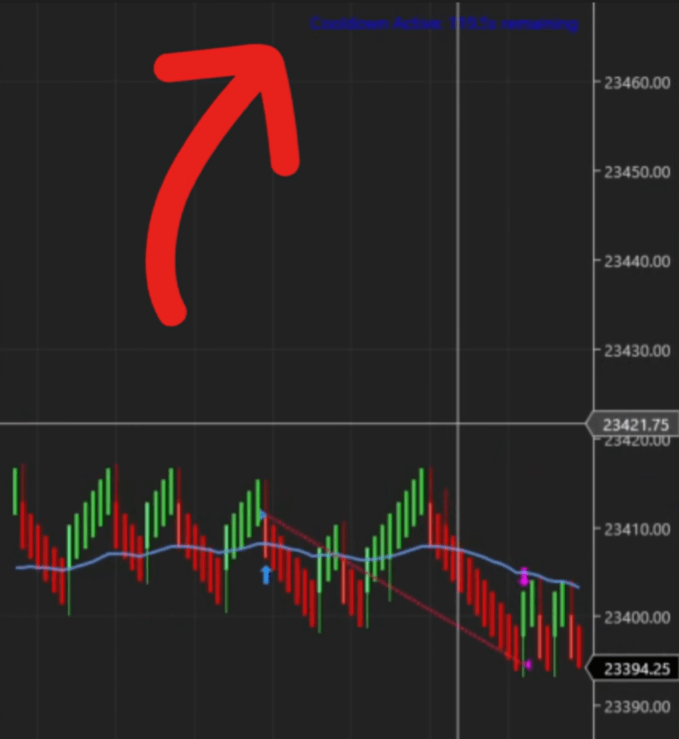
Wait a set time or bar count after a trade before re-entering.
Cooldown Timer
2
›
Cool Down Timer (ms)
›
By default the Predator includes a 50-millisecond cool down to give orders time to process. Increase it to prevent new trades for a set period after exiting — useful for avoiding back-to-back entries in fast or choppy markets.
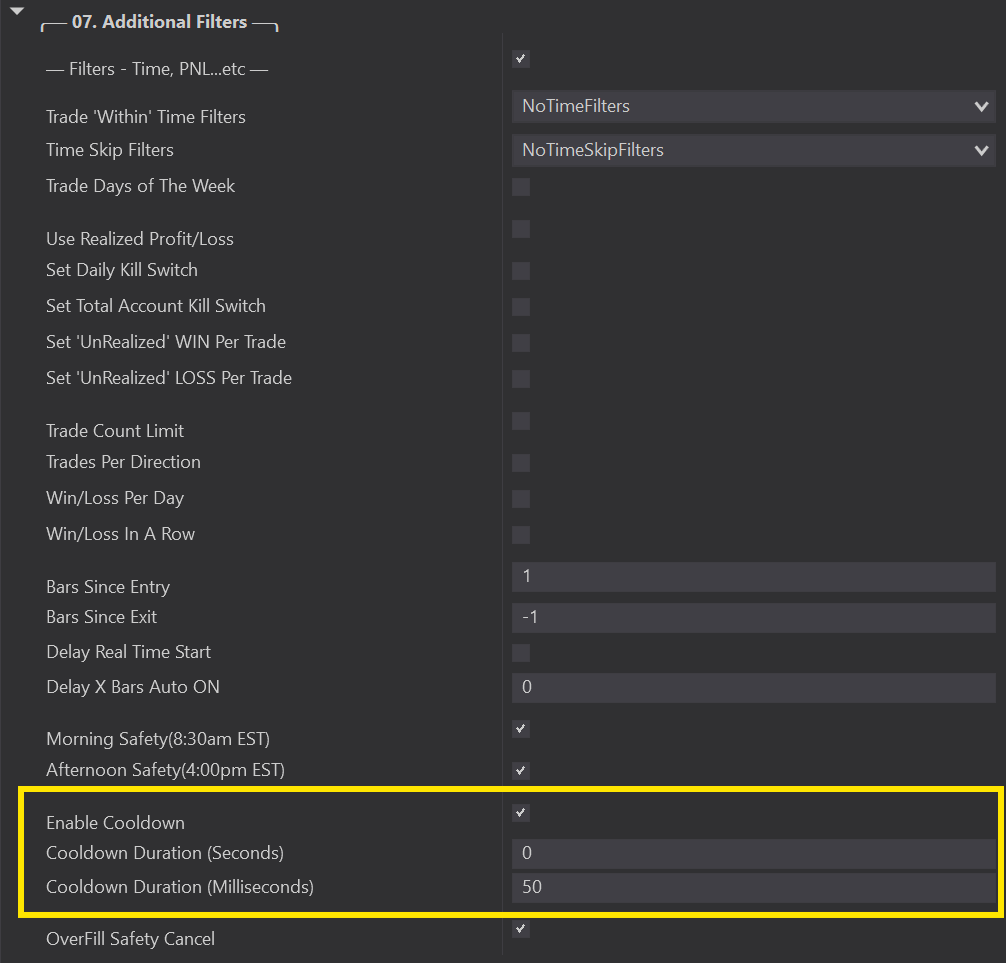
Bars Since Exit
›
If you prefer a cool down based on bar count rather than time, use the Bars Since Exit setting — after exiting, the Predator requires this many bars to pass before entering again.
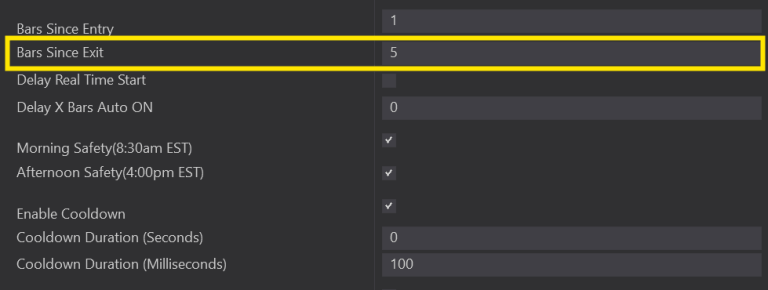
Both work together: after exiting, either the Bars Since Exit must pass OR the cool down timer must finish before a new trade can be taken. Note: increasing the cool down too aggressively may cause you to miss valid setups — test in Market Replay to find the right balance.